
How To Reset Jeep Compass Radio: Quick Fix Guide
 Reading Time: 7 minutes
 In the United States, Jeep Compass radio controls can vary by model year and system. For many factory Uconnect radios, a soft reset means holding the radio’s power/volume control until the screen restarts. The exact button sequence can differ, so check your Compass owner’s manual before trying a second method.
A soft reset restarts the radio but usually keeps saved settings. A factory reset is different: it can erase saved devices, profiles, and preferences.
Quick answer: Restart the radio first
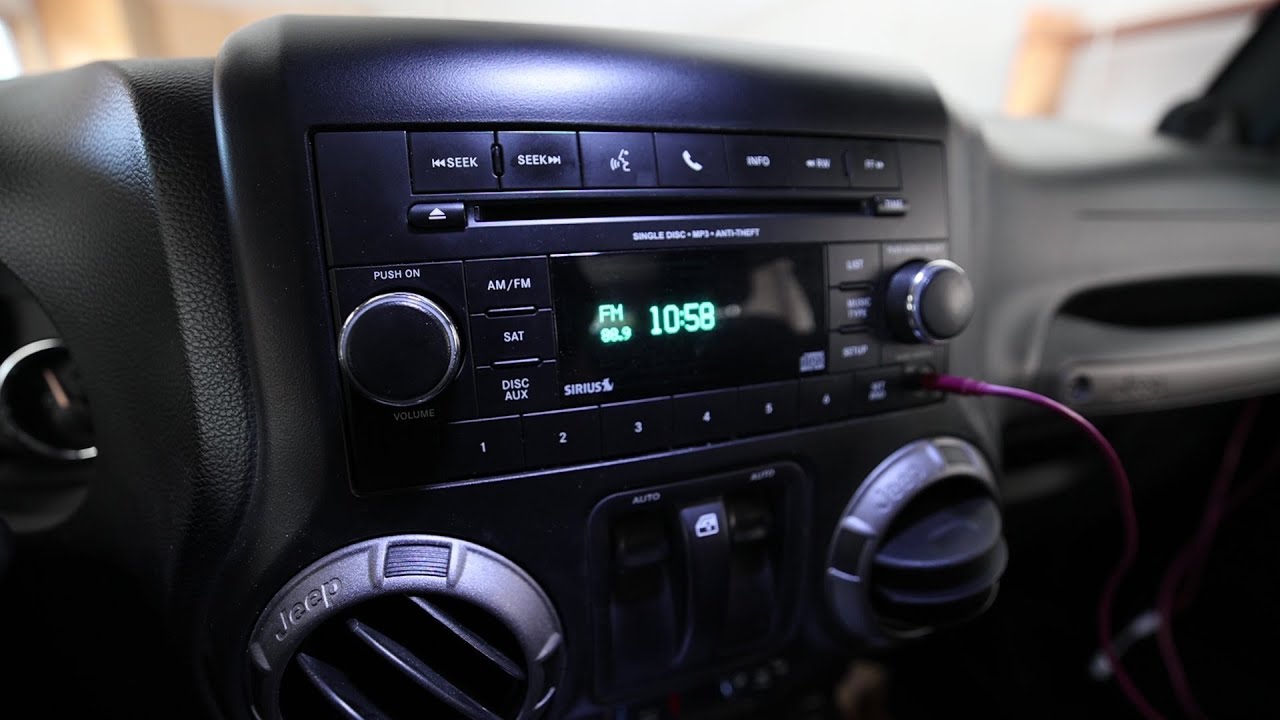
To try a soft reset, park your Jeep Compass and press and hold the radio’s power/volume button for about 10 seconds. Release it when the screen turns off or the Uconnect logo appears. If nothing happens, use the procedure listed for your model year and radio in the owner’s manual; not all Compass systems use the same buttons.
If the radio works but has a setting or pairing problem, a factory reset may help. Use that only after a restart, because it can erase stored information.
Check which Jeep Compass radio you have
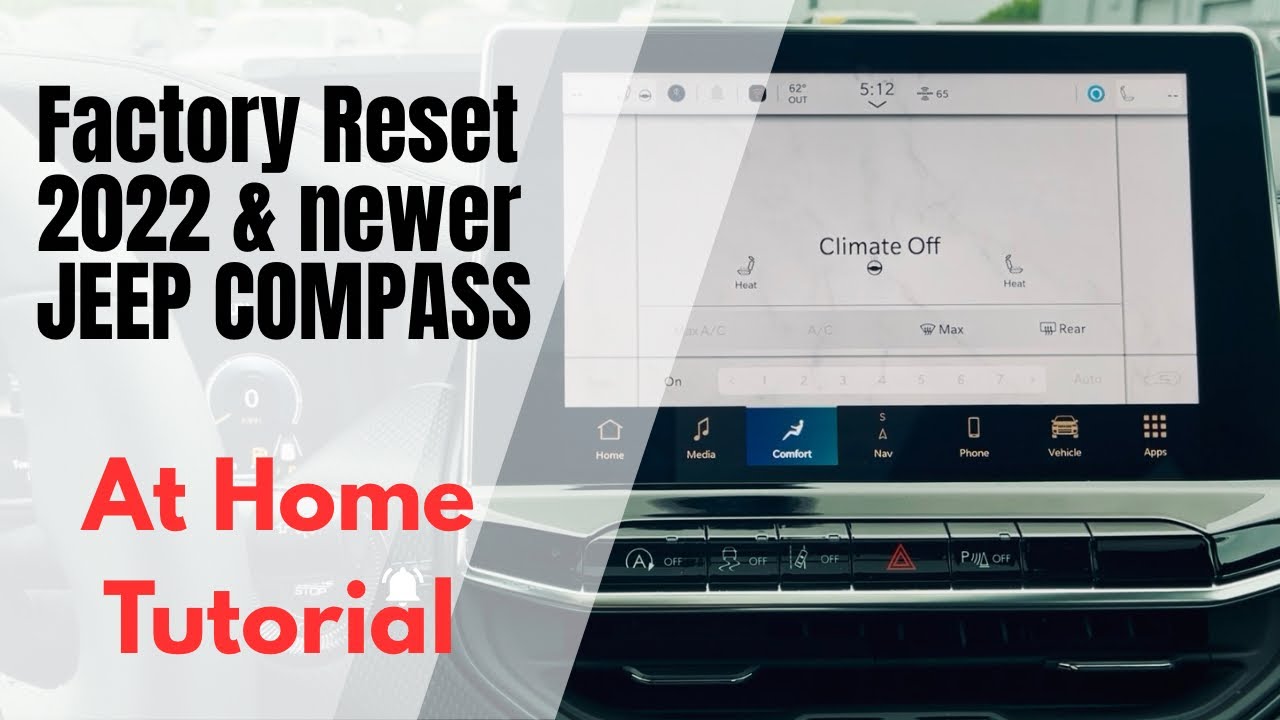
The right reset method depends on the radio, not just the Compass name. Model year, trim, software, and whether the radio is factory-installed can all matter.
Before you begin, note:
- Model year: Find it on your vehicle registration or driver’s door label.
- Radio type: Look for the Uconnect name on the screen or in the owner’s manual.
- Factory or aftermarket unit: An aftermarket radio follows its own maker’s instructions.
- The problem: A frozen screen, lost sound, Bluetooth trouble, and a request for a radio code may need different fixes.
For the exact instructions, use the owner’s manual for your model year. The U.S. Mopar owner’s manual page lets you look up vehicle manuals: Mopar Owner’s Manuals. Do not assume that a button sequence for a different Jeep or a different Compass year will work on yours.

How to soft reset a Jeep Compass radio
A soft reset is the best first step when the screen freezes or the radio stops responding. It restarts the system without deliberately restoring the radio to factory settings.
- Park the Compass. Put it in Park and set the parking brake.
- Turn the vehicle on. Follow the radio’s instructions for the ignition state. If you run the engine, do so outdoors, never in a closed garage.
- Try the power/volume control. Press and hold it for about 10 seconds. Let go when the display goes dark or begins to restart.
- Wait for the system to load. The screen may take a short time to return. Avoid pressing several buttons during startup.
- Check the original issue. Test the screen, sound, and any feature that had stopped working.
Some Uconnect radios use a different button combination. If holding the power/volume control does not restart your system, check the manual for your exact radio. Some systems may use two front-panel controls, but do not try a guessed combination or hold buttons indefinitely.

How to factory reset Uconnect
Use a factory reset when you want to clear stored settings or when a soft reset has not fixed a software or setup problem. Menu names differ, so follow the steps shown in your radio’s manual or on its screen.
Look in the radio’s settings for a reset option. It may appear under Settings, System, or a similar menu, with wording such as Reset, Restore Settings, or Factory Reset. Read the confirmation message before you continue.
A factory reset may remove paired phones, saved profiles, radio presets, and personal preferences. After it finishes, you may need to pair your phone again and set your options. If you are selling the vehicle, use the manual’s instructions to remove personal data; a reboot alone does not clear it.
If the radio still does not work
If a restart does not solve the problem, match the symptom to the next check. Avoid pulling fuses or disconnecting the battery as a first step; those actions may cause other settings or systems to need attention.
| Symptom | Useful next check |
|---|---|
| Screen is frozen, but the radio has power | Try the model-specific soft reset. If it freezes again, contact a Jeep dealer or qualified automotive audio technician. |
| Screen is black and there is no sound | Check whether other electrical features work. The cause may involve the radio, power supply, fuse, or vehicle electrical system. |
| Screen works, but there is no sound | Check the volume, mute setting, audio source, and balance or fade settings. Then test another source, such as FM radio instead of a phone. |
| Bluetooth will not connect | Restart the radio and phone. If needed, remove the old pairing from both devices and pair them again. |
| Radio asks for a code | Do not guess codes. Check the owner’s manual or contact a Jeep dealer with the vehicle information. |
| Problem returns after every restart | Have the system checked. A reset may not fix a weak battery, wiring fault, software issue, or failing radio. |
If you inspect a fuse, use the fuse chart for your specific Compass and replace a blown fuse only with one of the same type and rating. Never bypass a fuse or install one with a higher rating. If the replacement fuse blows again, stop and have the electrical system checked.
Common reset mistakes and safety limits
A soft reset is not the same as a factory reset. Restarting the radio may clear a temporary freeze, while a factory reset can erase saved data. Choose the least disruptive step that fits the problem.
Avoid disconnecting the vehicle battery just to restart the radio unless the owner’s manual or a qualified technician recommends it. Battery work can affect vehicle settings and may create new problems. If you are unsure how to access a fuse or battery safely, leave the work to a qualified technician.
Aftermarket radios may have a reset pinhole, a menu option, or a manufacturer-specific button sequence. Use the radio maker’s instructions rather than Uconnect steps.

Frequently asked questions
Will resetting the Jeep Compass radio erase my presets?
A soft reset usually does not erase saved presets. A factory reset may remove presets and other saved settings. Check the on-screen warning before confirming a reset.
How long should I hold the radio’s power button?
For many systems, about 10 seconds is a reasonable first attempt. The correct timing and control can vary by radio, so use the owner’s manual if the screen does not restart.
Does a radio reset fix Bluetooth problems?
It can help if the radio software has frozen. If the connection still fails, remove the old pairing from both the radio and phone, restart both devices, and pair them again.
Do I need a radio code after resetting the battery?
A soft reset should not require a code. If the radio displays a code request after a power interruption, check the manual or contact a Jeep dealer. Do not enter random codes.
Should I disconnect the battery to reset the radio?
Not as a first step. Try the radio’s soft-reset procedure and check the manual. Battery disconnection can affect other vehicle settings and may not fix the underlying fault.
Conclusion
Start with a soft reset using the controls specified for your Jeep Compass radio. If the issue remains, check the manual before using a factory reset, inspecting a fuse, or seeking service. The model year and radio type determine which steps apply, so use the instructions for your exact vehicle.