

How To Reset Start/Stop On Jeep Compass: Easy Steps
 Reading Time: 7 minutes
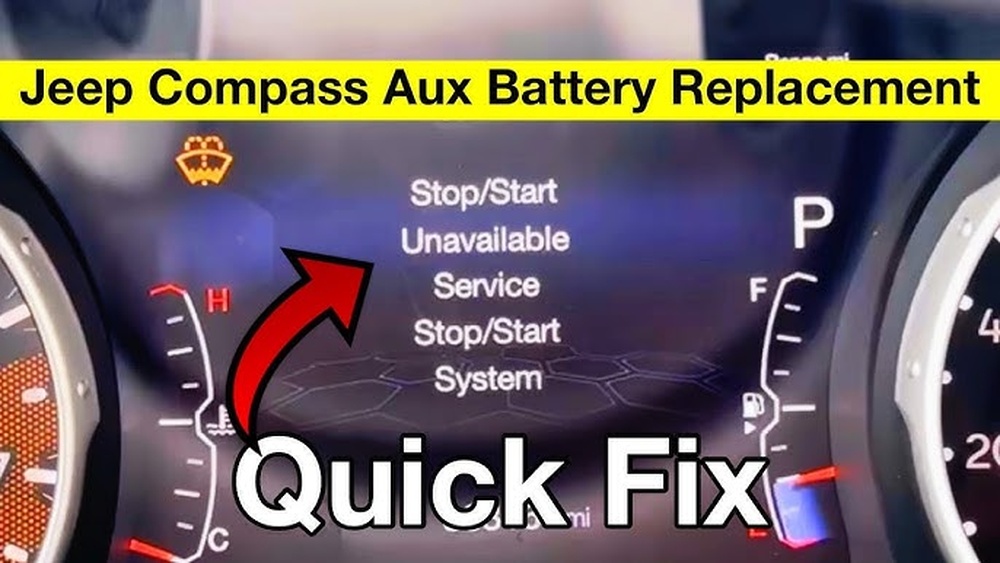
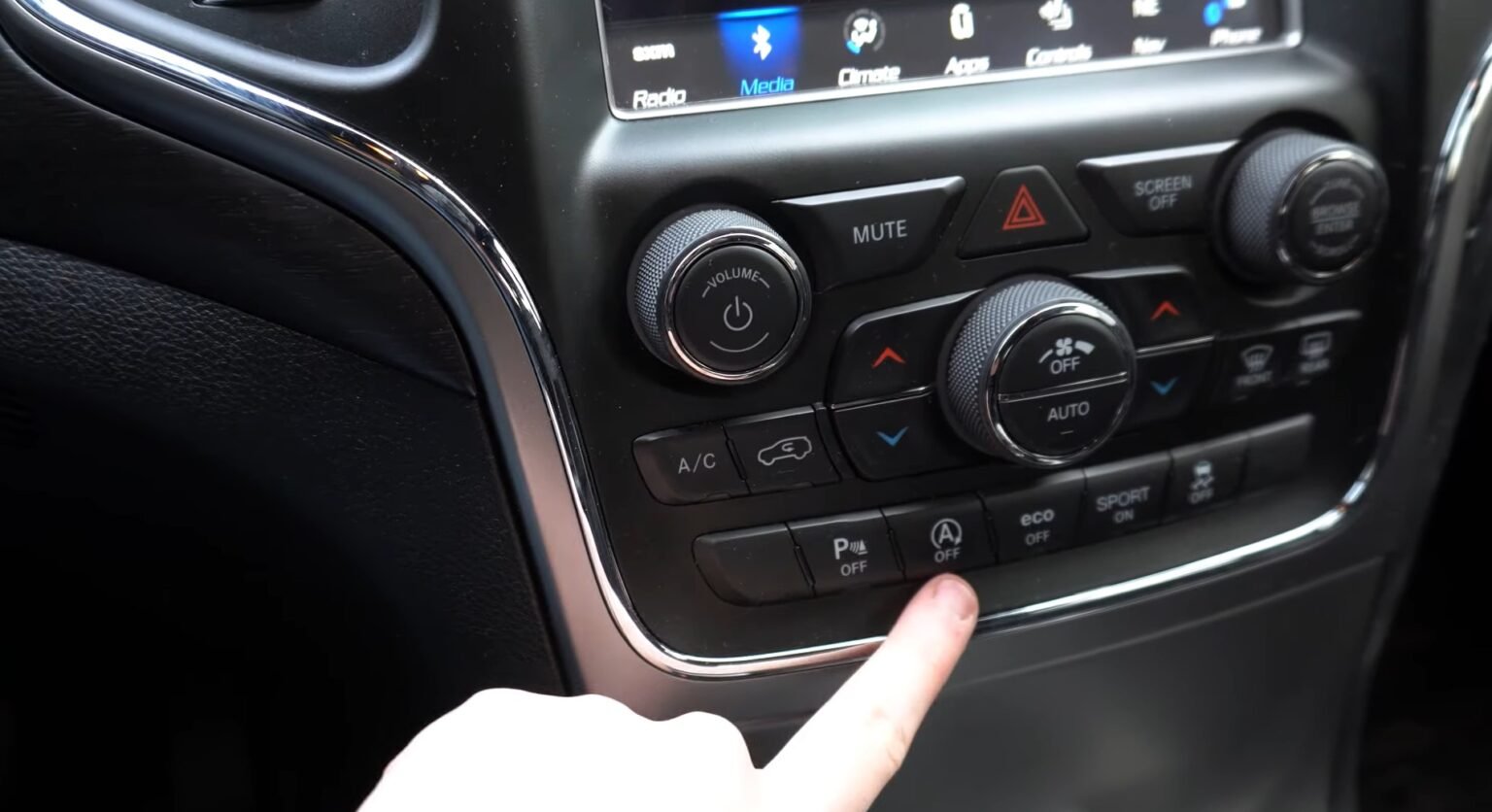
 In the United States, the Jeep Compass Stop/Start system can be turned back on with the Stop/Start button, usually marked with an A inside a circular arrow. If the system is unavailable or a service warning appears, pressing the button may not fix it; the cause could be a normal operating condition or a fault that needs diagnosis. The exact controls and messages can vary by model year, so check the owner’s manual for your Compass.
What “reset Start/Stop” means on a Jeep Compass
On most Jeep Compass models with Stop/Start, “reset” means enabling the system again after you switched it off. It does not usually mean clearing a fault or forcing the engine to stop at the next light.
The system can shut the engine off briefly when the vehicle is stopped, then restart it when driving needs resume. It may stay ready but not activate if the vehicle’s conditions are not right. That can be normal.
There are three common situations:
- You turned Stop/Start off: Use the dashboard switch to turn it back on.
- The system is not ready: Check basic operating conditions and allow the vehicle to run normally.
- A service warning is displayed: The system may need a diagnostic check; a button press is not a repair.
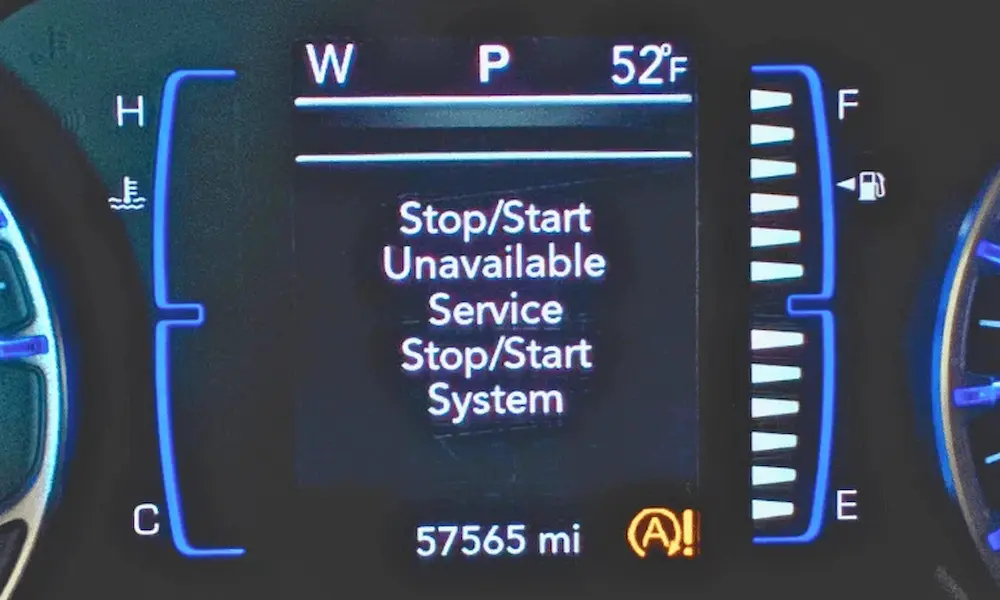
The dashboard message matters. “Not Ready” or a similar status can point to a temporary condition, while a message such as “Service Stop/Start System” calls for further checks.

How to turn Stop/Start back on
Park safely before handling controls. The switch location can vary, but it is commonly on the center stack or near the climate controls.
- Start the Compass and look for the Stop/Start status message or warning light.
- Find the button marked with an A and circular arrow. Some versions have an OFF label.
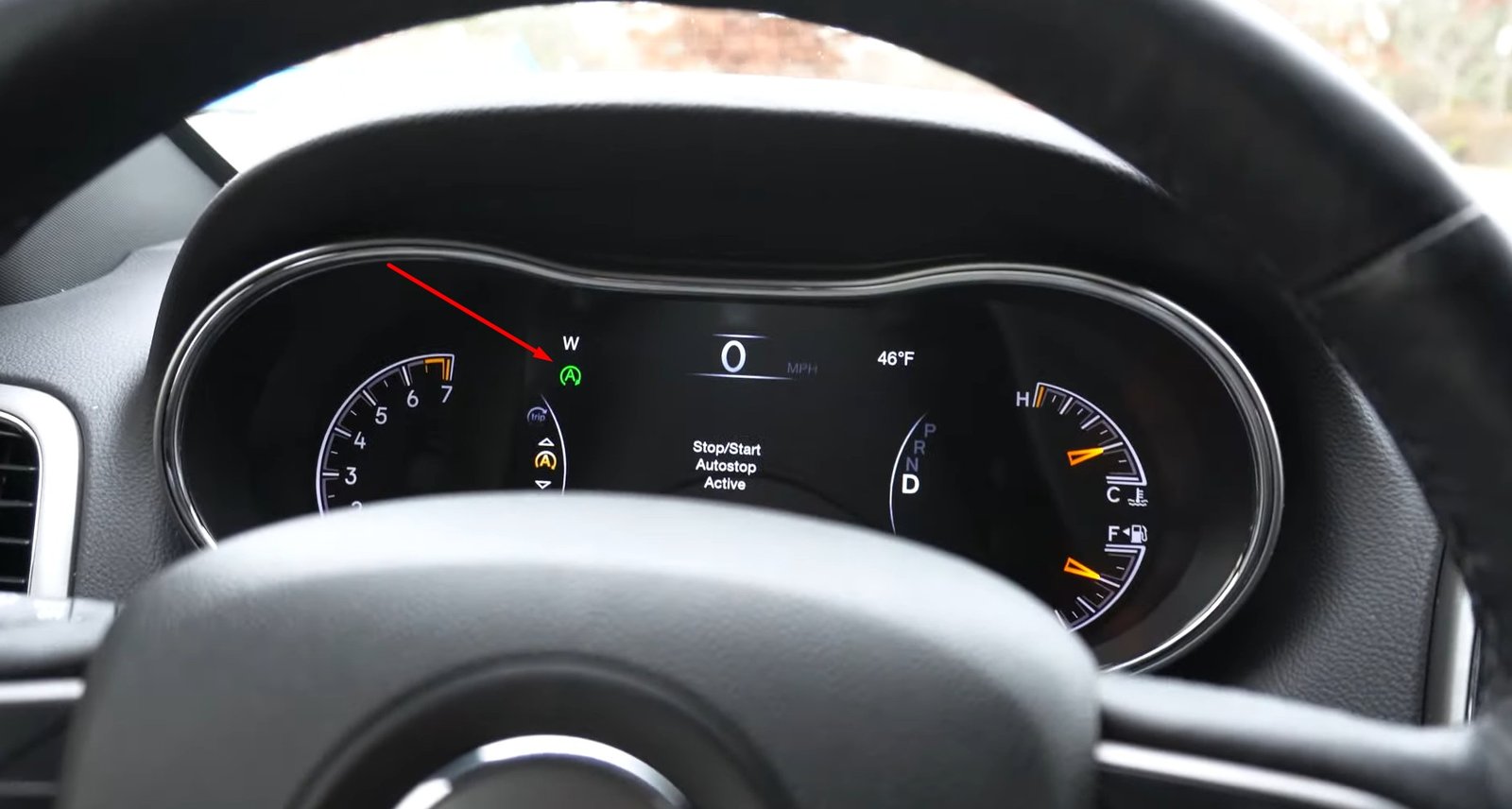
- Press the button once. Check the instrument panel for a status change or indicator showing that the system is enabled.
- Drive normally. The engine may not stop until the vehicle meets the system’s operating conditions.
If you turned the system off earlier, switching the ignition off and starting the vehicle again may restore the default setting on some model years. Do not rely on this as a universal reset: check the manual for your year, especially if the setting does not change.
A working system does not have to stop the engine every time you brake. The system decides when conditions allow an automatic stop.
Why Stop/Start may not activate
A Compass can be running normally even when the engine does not shut off at a stop. Stop/Start depends on vehicle conditions, so a temporary “not ready” status does not by itself prove there is a fault.
Use this table to guide your next check. The exact status wording and conditions depend on model year and equipment.
| What you notice | Possible reason | What to do |
|---|---|---|
| The engine stays on at a stop | The system may not be ready, or the cabin climate system may need the engine running | Check the dash message and climate settings; try again during a later stop |
| Stop/Start was switched off | The system may remain disabled until you press its button or restart the vehicle | Press the Stop/Start button and confirm the status |
| A “not ready” message appears | A required operating condition may not be met | Drive normally and check the owner’s manual for that message |
| A service warning appears or remains | The system may have a fault | Arrange a diagnostic check if the warning persists |
Conditions that can affect Stop/Start include battery charge, engine temperature, climate-control demand, and other vehicle operating needs. The system may keep the engine running when it needs to support vehicle functions. Use the exact manual for your model year to interpret a message or warning.
What to check if a warning remains
If the system will not turn on, work from the simplest checks to the ones that need a technician.
- Read the instrument-panel message. Note the exact wording. A status message and a service warning do not mean the same thing.
- Check the Stop/Start switch. Press it once and see whether the indicator or dash status changes.
- Restart the vehicle once. Turn it off safely, then start it again. This may restore a setting on some models, but it will not clear every fault.
- Check the owner’s manual. Use the manual for your model year and trim, since messages and system behavior can differ.
- Get a diagnostic scan if the service warning stays on. A repair shop or Jeep dealer can check for stored fault codes and test related parts.
Do not keep repeating resets if the warning returns. A fault can involve the battery, charging system, wiring, or another control-system issue. The warning alone does not identify which part has failed.

After replacing or disconnecting the battery
A battery change can affect Stop/Start operation because the system relies on the vehicle’s electrical supply. If Stop/Start does not work right away after battery service, check the dash message and give the vehicle a normal drive, following the instructions in the owner’s manual.
Make sure the replacement battery matches the specification for your exact Compass. Do not assume that a battery that fits physically is the correct type or rating. If a warning remains, ask the installer or a qualified shop to verify the battery and charging system, and to check for fault codes.
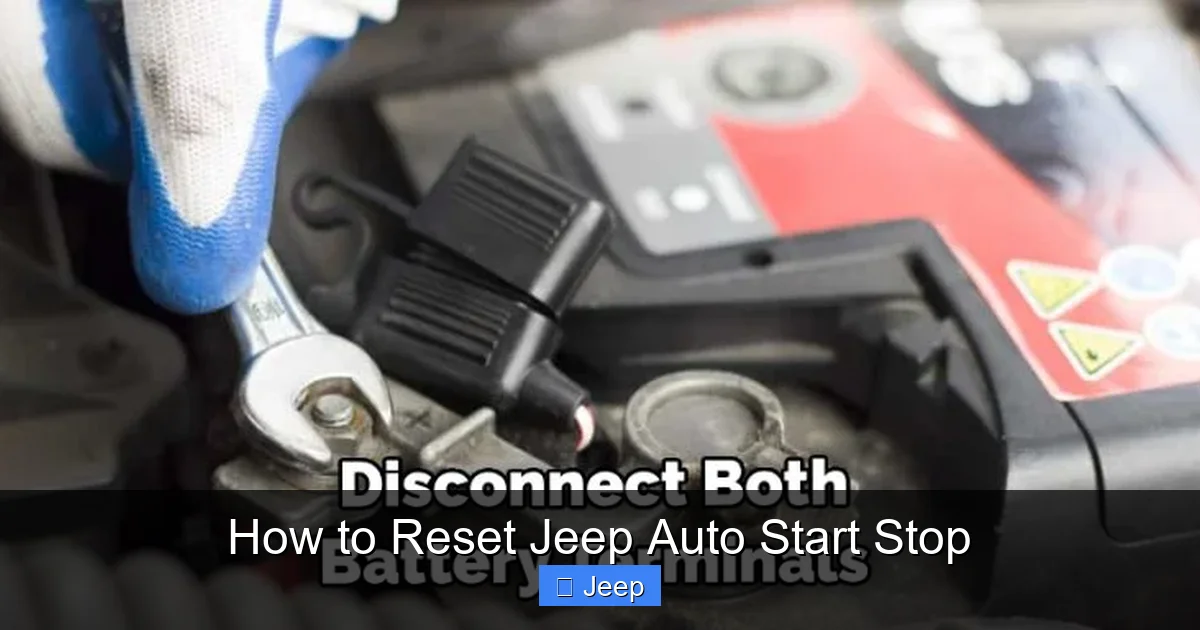
Avoid disconnecting the battery just to “reset” Stop/Start. It may not fix the cause, and battery disconnection can affect other vehicle settings. Follow the service information for your model if a battery reset or relearn is required.
Safety and common reset mistakes
Stop only in a safe place before using dashboard controls. Do not troubleshoot while driving, and do not rely on Stop/Start to keep the engine off in traffic or during service work.
Avoid these common mistakes:
- Treating every engine that stays on as a failure. The system may be withholding an automatic stop for a normal operating reason.
- Assuming the button clears a service warning. It enables or disables the feature; it does not repair a fault.
- Disconnecting the battery as a first step. This can create extra issues without addressing the cause.
- Using a reset procedure from another Jeep model or year. Controls and system behavior may differ.
If the Compass shows a service warning, the engine behaves unexpectedly, or other electrical warnings appear, have the vehicle checked by a qualified technician.
Frequently asked questions
Does Jeep Compass Stop/Start turn on every time I start the vehicle?
The default behavior can vary by model year and configuration. Some Compass manuals describe the system as enabled at each ignition cycle, but confirm this in the manual for your vehicle. If the system does not enable, check the dashboard message and switch.
Can I force the engine to stop at a red light?
No. The driver cannot safely force an automatic stop when the vehicle’s conditions do not permit one. Stop/Start decides whether to shut off the engine based on system requirements.
Why does the engine restart while I am stopped?
The system may restart the engine when the vehicle needs it, such as to support operating conditions or cabin comfort. Check your owner’s manual for the conditions listed for your model.
Will replacing the battery reset Stop/Start?
A battery replacement may affect system availability, but it is not a guaranteed reset. The correct battery specification matters. If the system remains unavailable or a service warning appears, have the battery and vehicle systems checked.
Where can I find the correct instructions for my model year?
Use the owner’s manual for your Compass year and trim. Jeep provides owner resources through its official owner website, and the National Highway Traffic Safety Administration also offers a vehicle lookup at nhtsa.gov/vehicle.
Conclusion
To reset Stop/Start on a Jeep Compass, press the A-with-circular-arrow button and confirm the status on the instrument panel. If the system still will not activate, check the message and model-year manual; a persistent service warning needs diagnosis, not repeated resets.