How to Reset Jeep Wrangler Computer: Quick & Easy Guide
 Reading Time: 8 minutes
 If your Jeep Wrangler is acting up or showing warning lights on the dashboard, resetting its computer might be the quickest way to get things back on track. Whether you’re dealing with a stubborn check engine light, a frozen radio screen, or just want to clear error codes after a repair, knowing how to reset your Jeep’s computer can save you time and trips to the mechanic.
In this guide, you’ll find simple, step-by-step instructions tailored specifically for your Jeep Wrangler, helping you regain control and confidence behind the wheel. Keep reading, and you’ll learn how easy it is to reset your Jeep’s computer and get your vehicle running smoothly again.
Resetting The Engine Computer
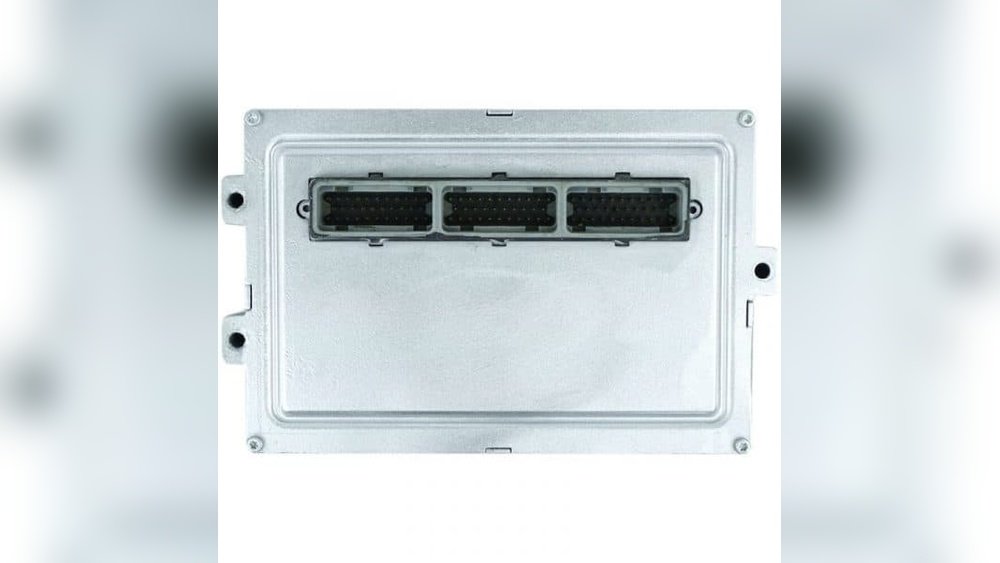
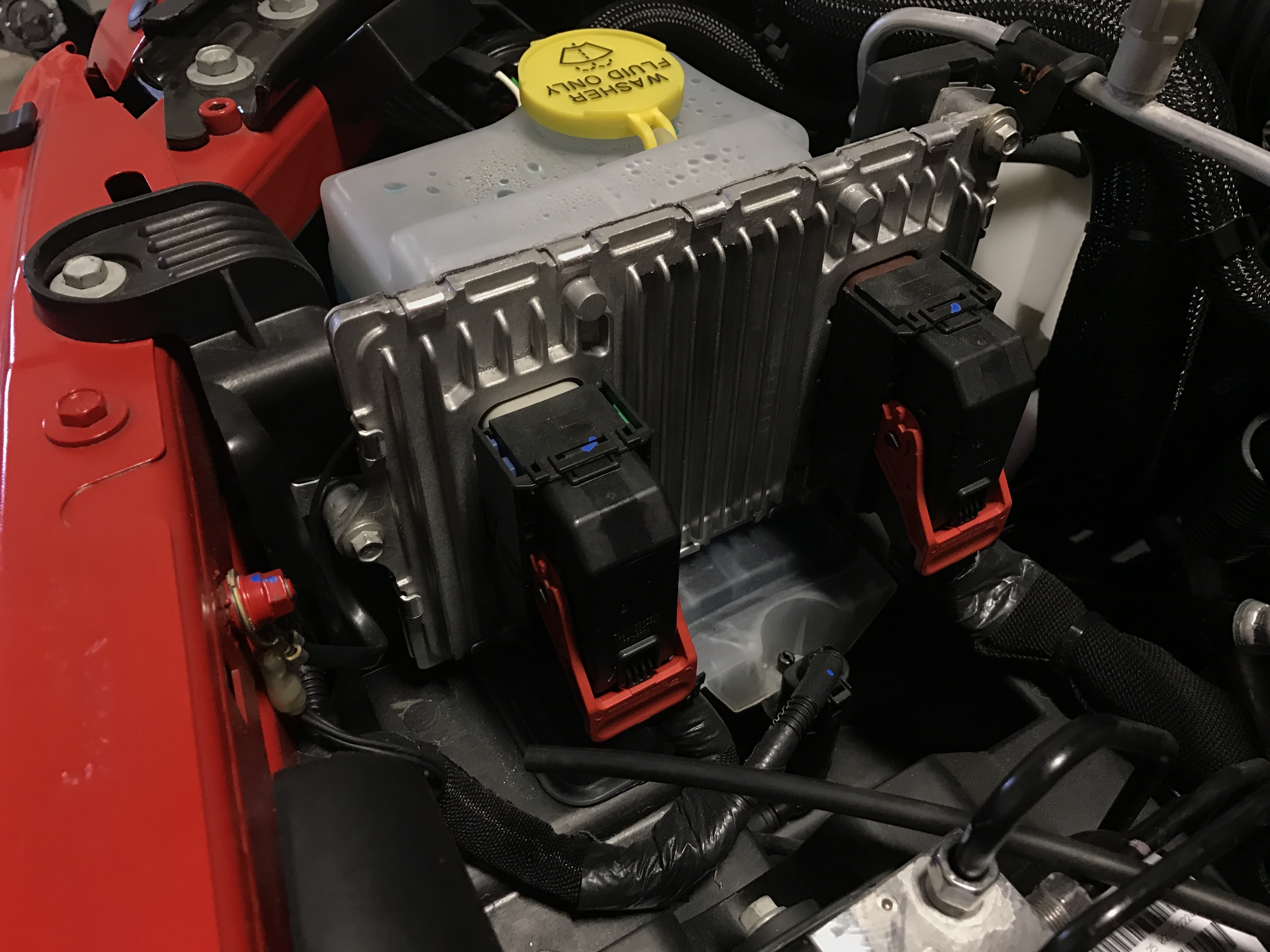
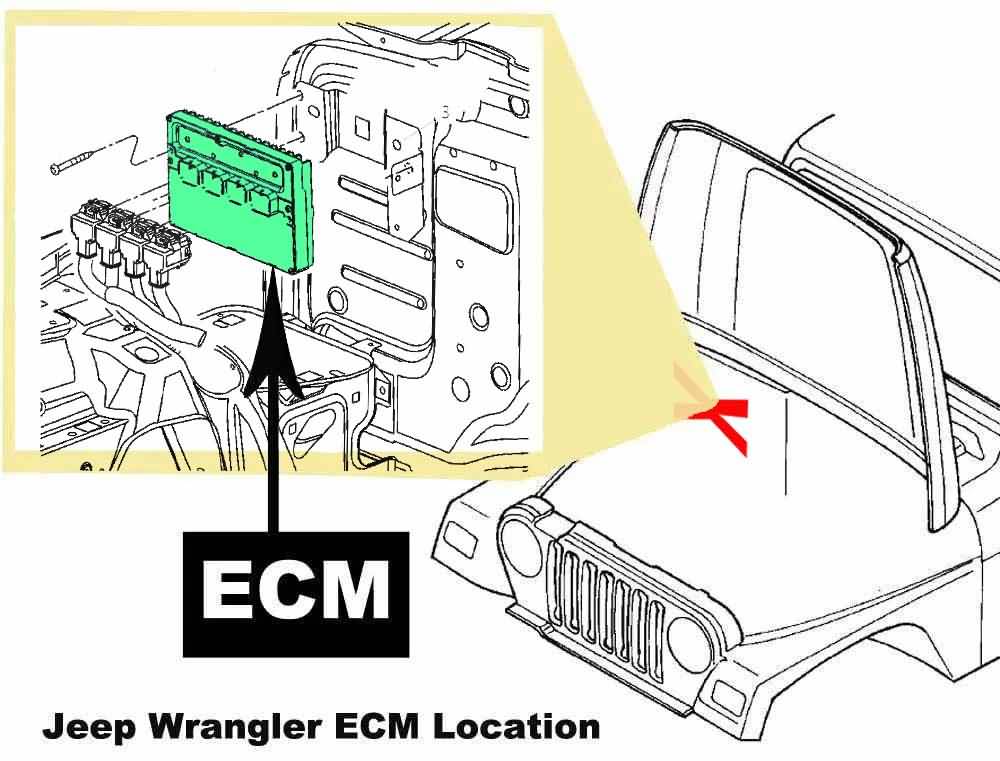
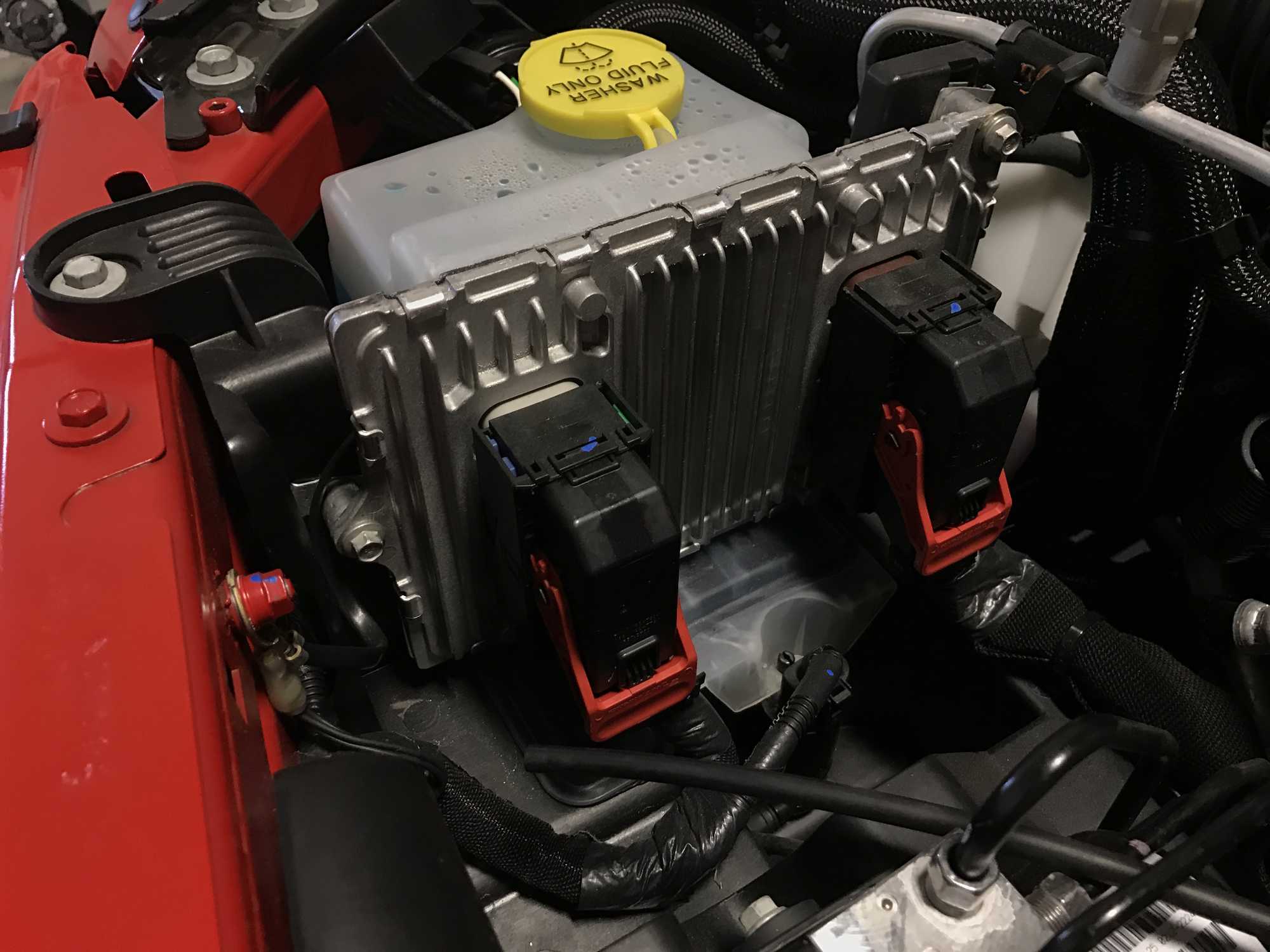
Resetting the engine computer in a Jeep Wrangler can fix many minor issues. It clears error codes and helps the system run smoothly. This process is simple and needs no special tools. Follow these steps to reset the engine control module (ECM) effectively.
Battery Disconnect Method
First, turn off the ignition and remove the key. Open the hood and find the battery. Use a wrench to disconnect the negative battery cable. This stops power to the engine computer. Wait at least 15 minutes to let the system reset fully. This method clears stored error codes from the ECM.
Reconnecting The Battery
After waiting, reconnect the negative battery cable securely. Make sure the connection is tight to avoid electrical issues. Close the hood and prepare to start the Jeep. Reconnecting the battery restores power to the engine computer. The system will begin the startup process once power returns.
Wait Time And System Relearn
Start the engine and let it idle for several minutes. The computer needs time to relearn engine functions and sensor data. Drive the Jeep gently for about 10-15 miles to help the system adjust. Avoid hard acceleration or heavy loads during this period. This relearn process ensures better performance and fuel efficiency.
Credit: www.quadratec.com
Resetting The Oil Change Light
Resetting the oil change light on your Jeep Wrangler is a simple but important task. This light reminds you to change the oil regularly to keep the engine healthy. After an oil change, the light stays on until you reset it. Resetting helps the computer track the next service interval correctly.
Follow the steps below to reset the oil change light quickly and easily. These instructions apply to most Jeep Wrangler models.
Ignition On Procedure
Start by turning the ignition key to the “ON” position. Do not start the engine. The dashboard lights will turn on, including the oil change light.
Press the gas pedal fully three times within 10 seconds. Each press should be steady and complete. After the third press, the oil change light will flash and then go off.
If the light does not reset, turn the ignition off and wait a few seconds. Repeat the procedure carefully to ensure success.
Confirming The Reset
Turn the ignition off after completing the procedure. Then start the engine normally. Check the dashboard to see if the oil change light remains off.
If the light stays off, the reset worked correctly. If it comes back on, repeat the procedure or check for any oil maintenance issues.
Resetting the oil change light ensures your Jeep’s computer tracks oil changes properly. It also prevents confusion about when to perform the next service.
Clearing The Check Engine Light
The check engine light on your Jeep Wrangler signals a possible engine issue. Clearing this light helps confirm if the problem is resolved. It also prevents unnecessary worry during your drives. Resetting the light can be simple if the cause is minor. Sometimes, it involves small fixes like checking the gas cap. Other times, a battery reset may be needed. This section explains easy ways to clear the check engine light safely.
Tightening Or Replacing Gas Cap
A loose or damaged gas cap often triggers the check engine light. Start by turning off the engine. Then, check the gas cap and tighten it firmly. If the cap looks worn or cracked, replace it with a new one. After fixing the cap, drive your Jeep for a few miles. The light should turn off by itself. This method works well for many drivers and is quick to try.
Battery Reset For Engine Light
Disconnecting the battery can reset your Jeep’s computer and clear the check engine light. First, turn off the engine and open the hood. Use a wrench to remove the negative battery cable. Wait for about 10 to 15 minutes to let the system reset. Reattach the cable securely and close the hood. Start your Jeep and check if the light is off. This reset can clear minor errors in the system.
When To Seek Professional Help
If the check engine light stays on after trying resets, it may need expert care. Persistent lights might mean serious engine problems. Visit a trusted mechanic or Jeep dealer for a full diagnostic check. They use special tools to read error codes and fix issues. Ignoring the light can cause damage or reduce fuel efficiency. Professional help ensures your Jeep runs safely and smoothly.
Credit: qcwo.com
Resetting The Tire Pressure Light
The tire pressure light on your Jeep Wrangler signals when tire pressure is too low. This light helps keep you safe and improves fuel efficiency. Resetting this light requires correcting tire pressures first. Then, the system can recognize the new correct pressure and turn off the warning.
Follow these simple steps to reset the tire pressure light and keep your Jeep running smoothly.
Inflating Tires To Correct Pressure
Check the recommended tire pressure in your Jeep’s manual or on the door sticker. Use a tire gauge to measure each tire’s pressure. Inflate tires to the correct pressure or slightly above it. Proper inflation helps the TPMS sensors detect the right pressure. Underinflated tires can cause the light to stay on even after resetting.
Some Jeep Wrangler models have a TPMS reset button inside the vehicle. Locate this button, usually under the steering wheel or near the glove box. Turn the ignition to the “On” position without starting the engine. Press and hold the TPMS reset button until the tire pressure light blinks three times. Release the button and wait a few minutes. The system will reset and turn off the light if pressures are correct.
Resetting The Uconnect System
The Uconnect system in Jeep Wrangler controls radio, navigation, and other features. Resetting it can fix freezing, blank screens, or unresponsive controls. This process refreshes the software and clears minor glitches without affecting your settings or data.
There are two ways to reset Uconnect: a soft reset and a hard reset. Both are simple and can be done without special tools. Follow these steps carefully to restore your system’s normal function.
Soft Reset Steps
Start by turning the ignition to the “Run” position. Do not start the engine. Press and hold the radio’s power button and the tuner knob simultaneously. Keep holding for about 10 seconds. The screen will go black and then reboot. Release the buttons once the Uconnect logo appears. This clears minor errors and restarts the system smoothly.
Hard Reset Options
A hard reset is useful if the soft reset does not work. First, turn off the ignition and remove the key. Disconnect the negative battery cable using a wrench. Wait for 10 minutes to let the system power down completely. Reconnect the battery cable firmly. Turn the ignition to the “Run” position and start the engine. The Uconnect system will take a moment to reboot and relearn settings. This reset clears deeper software issues but does not erase personal data.
Troubleshooting Common Issues
Troubleshooting common issues with your Jeep Wrangler’s computer can save time and avoid costly repairs. Many problems stem from minor glitches that a simple reset can fix. Understanding these common issues helps you act quickly and keep your vehicle running smoothly.
Frozen Or Blank Radio Screen
A frozen or blank radio screen often results from a software glitch. To reset, turn the key to the “Run” position without starting the engine. Press and hold the radio’s power button and tune knob simultaneously for several seconds. This action reboots the system and usually restores normal function.
Slow System Reboot
If your Jeep’s computer takes too long to reboot, the system may be overloaded or experiencing errors. Disconnect the negative battery cable for about 10 minutes. Reconnect the cable and start the vehicle. This hard reset clears temporary data and speeds up the reboot process.
When To Use A Diagnostic Tool
Use a diagnostic tool if warning lights persist after resets. It helps identify specific error codes in your Jeep’s computer. This tool provides clear information on what needs repair. Accessing the onboard diagnostics can prevent further damage and save repair costs.
Credit: www.quadratec.com
Frequently Asked Questions
How To Do A Hard Reset On A Jeep?
To hard reset a Jeep, turn off ignition, disconnect the negative battery cable for 10 minutes, then reconnect and start the vehicle. This resets the ECU and clears temporary faults.
How Do You Reset A Jeep Wrangler?
To reset a Jeep Wrangler computer, turn ignition off. Disconnect negative battery cable for a few minutes. Reconnect and start the vehicle. For radio reset, hold Power and Tuner buttons with key on. Inflate tires to reset TPMS, and tighten gas cap to clear check engine light.
How Do I Manually Reset My Car Computer?
To manually reset your car computer, turn off the ignition. Disconnect the negative battery cable for 10-15 minutes. Reconnect the cable and start the car. This clears the ECU memory and resets the system. Drive normally to let the computer relearn settings.
How To Restart A Jeep System?
To restart a Jeep system, turn off ignition, disconnect the negative battery cable for a few minutes, then reconnect and start the vehicle.
Conclusion
Resetting your Jeep Wrangler’s computer can solve many common issues. Follow each step carefully for the best results. Keep your tools and patience ready before starting. Regular resets help maintain your vehicle’s smooth performance. Remember, simple actions often fix complex problems.
Stay calm and take your time during the process. Your Jeep will thank you with better driving experience. Try these resets whenever your computer shows errors. Safe driving starts with a healthy vehicle system.