How To Turn On Screen In Jeep Compass: Quick Display Fix
 Reading Time: 6 minutes
 Introduction
In the U.S., Jeep Compass models use different Uconnect systems, so the exact screen controls can vary by model year and trim. In many cases, you can wake a screen that was turned off by tapping it; if that does not work, check the vehicle’s power state and display settings before treating the issue as a fault.

Quick answer: Wake the screen
With the Compass parked, turn the ignition to ACC or RUN, then tap the touchscreen. If the display stays dark, press the audio system’s power or volume control once, if your model has one. The knob may turn the audio on or off without controlling the screen, so check the display controls if tapping does not help.
A black screen does not always mean the system has failed. The display may be off, dimmed, or waiting for the vehicle to power up.
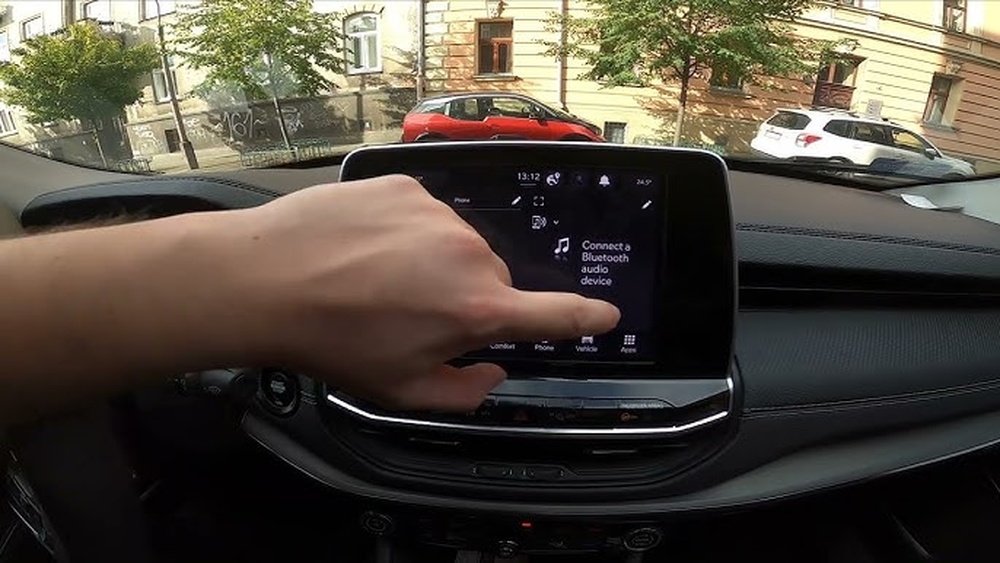
Steps to turn on a Jeep Compass screen
Try these checks in order. Keep the vehicle in Park while you work through them.
- Turn the vehicle on. Set the ignition to ACC or RUN, or start the engine if needed. Some screen functions may not work when the vehicle is fully off.
- Tap the screen. If the display was turned off with a screen-off control, a tap may wake it.
- Check the audio power control. Press the power or volume knob once if your Compass has one. On some systems, this controls audio rather than the display, but it is a quick check.
- Look for a screen-off control. If the touchscreen responds, check the Controls screen or display settings for an option such as Screen Off. Menu names and locations vary by system.
- Check brightness. If the display is faint rather than fully black, use the vehicle’s display settings or interior dimmer controls. Adjust them while parked so you can see whether the screen changes.
You’ll know the screen is on when the Uconnect home screen, audio page, or another system display appears and responds to touch. If the screen remains black, continue to the troubleshooting steps below.
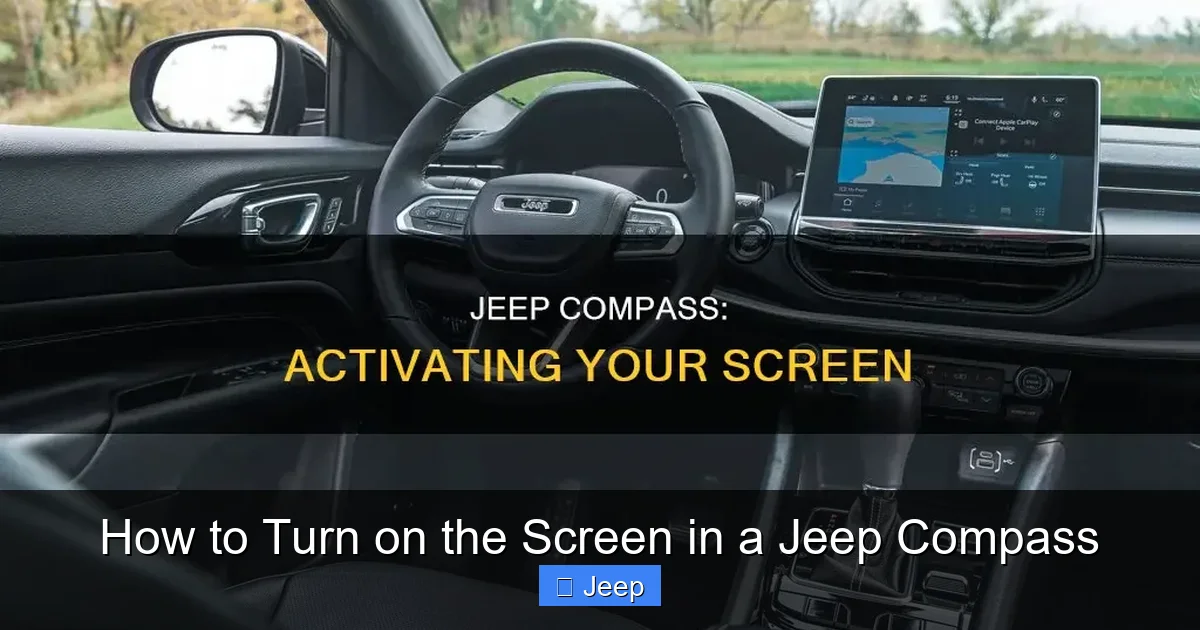
Troubleshooting a black or unresponsive screen
Start with simple checks. Do not remove trim, pull fuses, or disconnect the battery just to test the screen.
| What you see | What to try |
|---|---|
| The screen is black, but audio works | Tap the screen and check for a screen-off setting. Then check display brightness. |
| The screen is black and audio is off | Confirm the ignition is in ACC or RUN. Press the audio power control once, if fitted. |
| The screen lights up but does not respond | Park the vehicle and restart it after switching it fully off. If the problem continues, check the owner’s manual for the correct reset steps for that system. |
| The screen shows a logo, then goes black or restarts | Note when it happens and whether other electrical features also fail. Arrange service if a normal restart does not fix it. |
| The screen works sometimes | Record when the fault occurs, such as after startup or in very hot or cold conditions. Intermittent faults may need diagnosis. |
A restart can clear a temporary software freeze, but the process differs by Uconnect version. Avoid holding a combination of buttons unless the owner’s manual for your model year gives that procedure. Button combinations are not universal.
If the display remains blank, check the owner’s manual for the fuse location and rating before doing anything with a fuse. A blown fuse may point to an electrical issue, and using the wrong fuse can cause damage. If you are unsure, contact a Jeep dealer or qualified auto repair shop.

Why the steps vary by model year
Jeep Compass models do not all use the same Uconnect screen or menu layout. A control shown in one year’s manual may be named differently or may not exist in another model.
Use the manual that matches your model year and vehicle equipment. The official Mopar owner’s manual portal lets U.S. owners look up vehicle manuals: Mopar Owner’s Manuals. Check its screen, display, and Uconnect sections for model-specific instructions.
Do not assume that the audio power knob turns the touchscreen on. It may only control sound. If the screen is black and the vehicle otherwise works, try tapping the display and checking brightness before you troubleshoot fuses or seek service.

Safety and when to get help
Make screen adjustments only when the Compass is parked. Do not troubleshoot the display while driving, and do not rely on a blank or frozen screen for navigation, camera views, or other functions.
Contact a Jeep dealer or qualified technician if the screen stays black after a normal vehicle restart, repeatedly freezes, or fails along with other electrical features. If the screen is hot, smells burnt, or shows signs of physical damage, stop using the system and seek service.
Key takeaways
- Park the Compass and set the ignition to ACC or RUN.
- Tap the touchscreen; then check the audio power control, screen-off option, and brightness.
- Follow the owner’s manual for your exact model year before trying a reset or checking a fuse.
- Get service if the display stays blank or repeatedly restarts.
FAQs
Can I turn on the Jeep Compass screen without starting the engine?
Often, the screen can operate in ACC mode, but available functions and how long they stay on vary by model. Follow the instructions in your owner’s manual, and avoid leaving the vehicle in an accessory mode longer than needed because it can drain the battery.
Does the volume knob turn the screen on?
Not always. Depending on the Uconnect system, the knob may control audio power and volume but not the display. Tap the touchscreen or check for a screen-off control if the display stays dark.
How do I turn off the screen in a Jeep Compass?
If your system offers a Screen Off option, it may be in the Controls screen or display settings. The menu location varies, so use the manual for your model year. You can usually restore the display by tapping it, though the method may differ.
What should I do if the screen is on but touch does not work?
Park safely and switch the vehicle fully off, then restart it. If the touchscreen remains unresponsive, use the model-specific manual for reset guidance or arrange service. Do not try unfamiliar button combinations.
Will disconnecting the battery fix a black screen?
It is not a good first step. Battery disconnection can affect vehicle settings and may not address the cause. Try the basic checks first, then ask a qualified technician before disconnecting the battery or replacing a fuse.
Conclusion
To turn on a Jeep Compass screen, first set the ignition to ACC or RUN and tap the display. If it stays dark, check the screen-off control, brightness, and audio power control. Because Uconnect controls differ by year, use the matching owner’s manual before attempting a reset or electrical repair.