

How To Reset Jeep Compass: Easy Step-By-Step Guide
 Reading Time: 7 minutes
 A Jeep Compass does not have one reset that fixes every issue. The right steps depend on what you want to reset: the Uconnect screen, oil-life reminder, tire-pressure warning, or personal settings. For U.S. Compass owners, the exact steps can vary by model year and system, so check the owner’s manual for your vehicle before you begin.
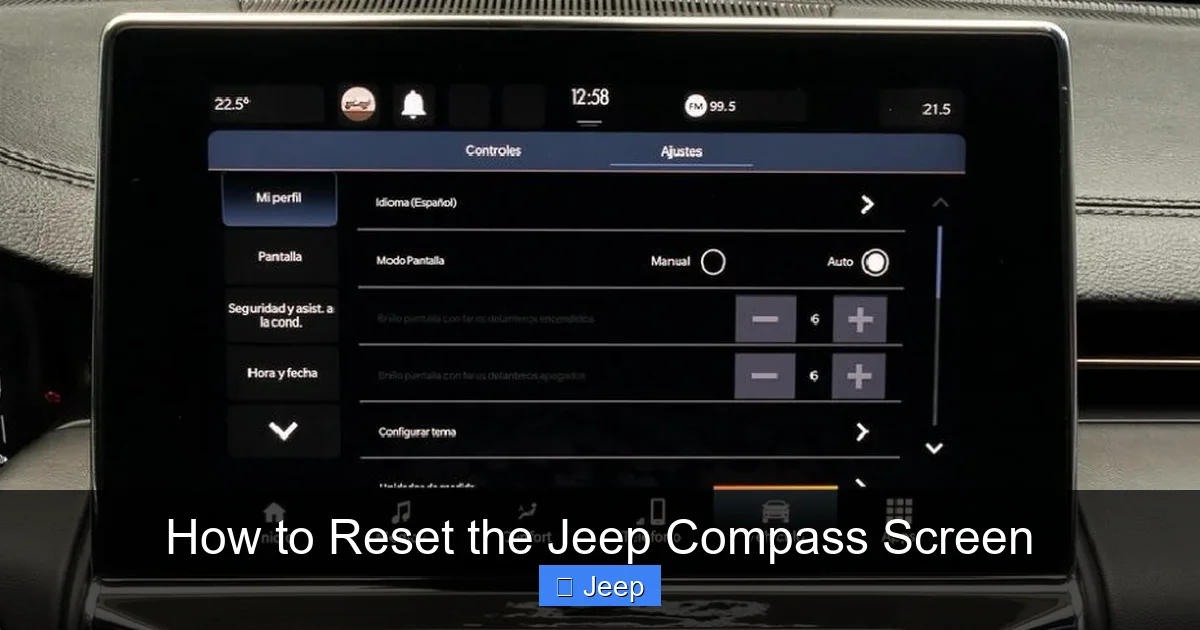
Choose the reset that matches the problem
Start with the symptom. A screen reset will not clear an oil reminder, and resetting the oil reminder will not repair a tire-pressure problem.
| What you see or want to change | Reset or action to use |
|---|---|
| Uconnect screen is frozen or unresponsive | Try a system reboot |
| Oil-change message stays on after service | Reset the oil-life indicator |
| Tire-pressure warning stays on | Check and correct tire pressure; then allow the system to update |
| You want to remove saved settings or personal data | Use the system’s factory-reset menu |
| Check-engine or other warning light is on | Find and address the cause; do not rely on a reset |
| Compass will not start or has lost electrical power | Diagnose the battery or starting system |
A reboot restarts the screen or software. A factory reset erases some saved settings or data. A maintenance reset clears a service reminder after the work is done. These actions are not interchangeable.

How to reboot a frozen Uconnect screen
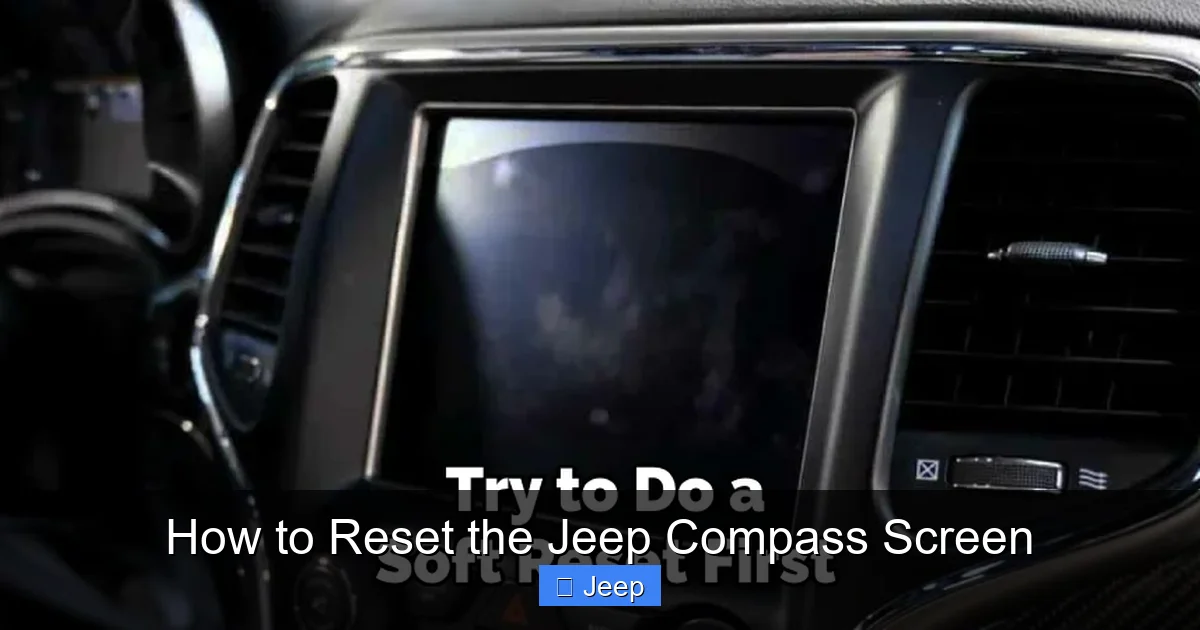
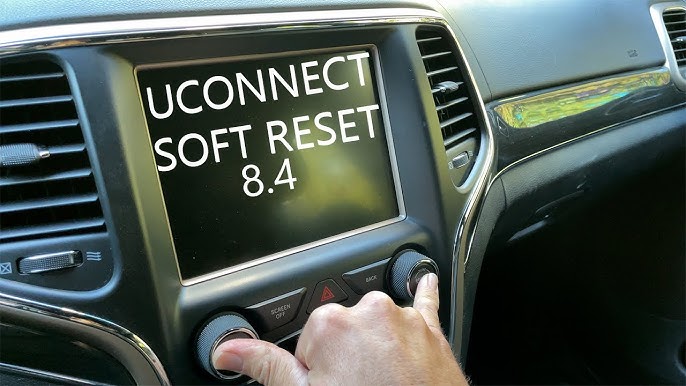
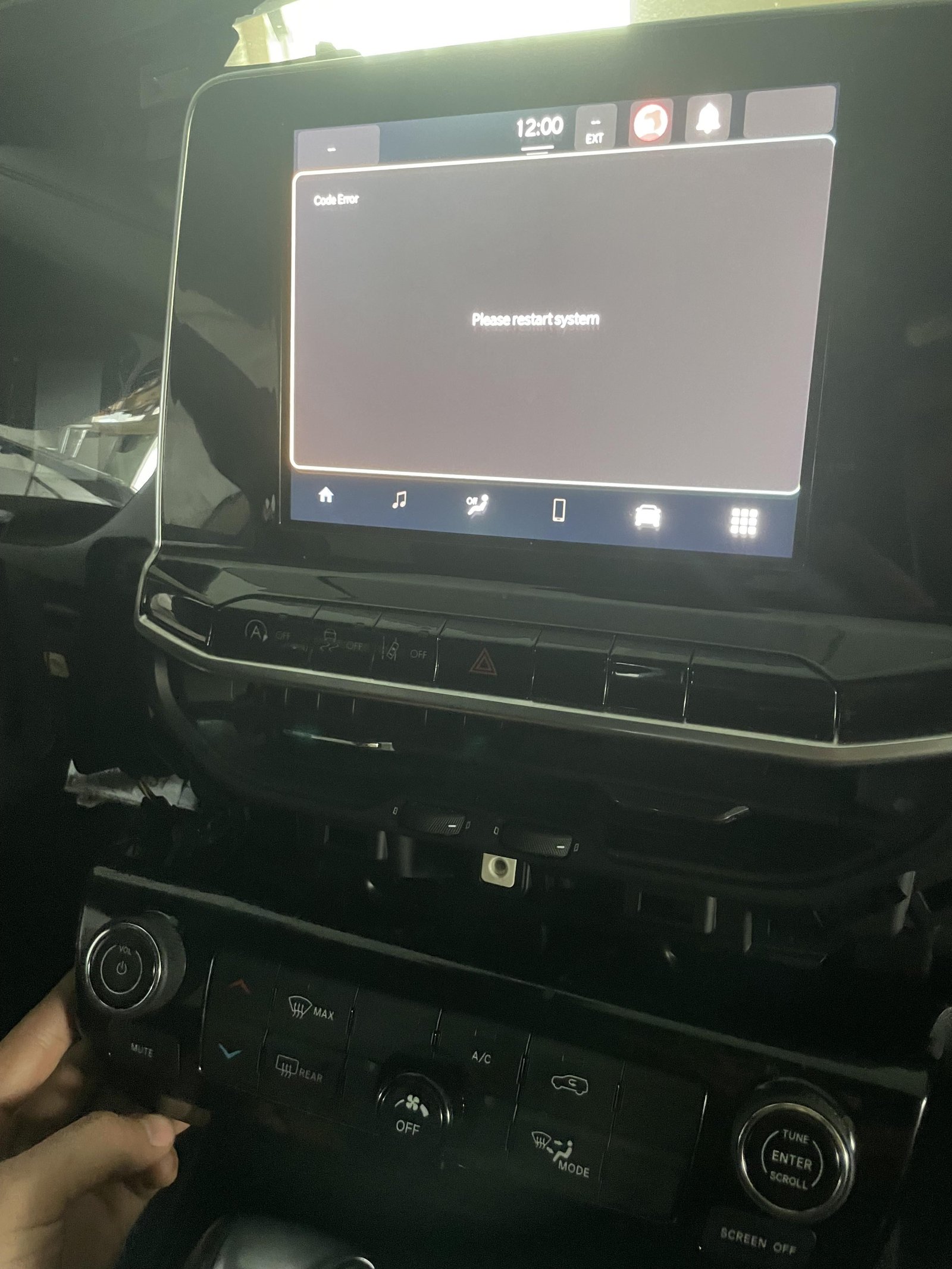
Try a soft reboot first if the screen is frozen, black, or slow but the vehicle otherwise works. This does not normally erase saved settings, though the exact button method depends on the Uconnect system.
- Park the Compass. Set the parking brake if needed.
- Keep the vehicle in a safe state. Do not try button combinations while driving.
- Check the owner’s manual for the reset steps for your model year and radio.
- On some systems, holding the volume/power control and the tune/browse control for several seconds restarts the screen. The controls and timing can differ, so do not assume this method applies to every Compass.
- Wait for the display to turn off and restart. Give it time to load before trying other controls.
If the screen responds again, check that audio, phone connection, and steering-wheel controls work. If it stays blank or freezes again, note when it happens and contact a Jeep dealer or qualified auto-electronics shop. Repeated failures may need diagnosis rather than another reboot.
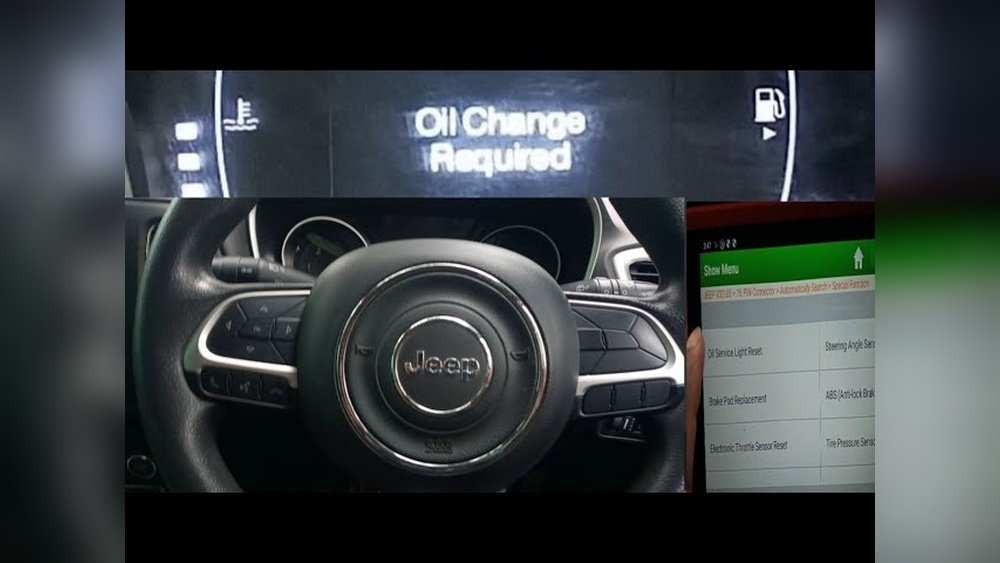
How to reset the Jeep Compass oil-life reminder
Reset the oil-life indicator only after the oil change is complete. Clearing the reminder does not change the oil or confirm that the correct service was done.
Many Compass model years use this method:
- Put the vehicle in Park and switch the ignition to ON/RUN without starting the engine. On push-button models, the ignition mode depends on how you press the button; follow the owner’s manual.
- Fully press the accelerator pedal three times within 10 seconds.
- Switch the ignition off.
- Start the vehicle and check whether the oil-life message has cleared.
Some model years use the instrument-cluster menu instead. If the pedal method does not work, look for an Oil Life or Oil Change item in the cluster menus and follow the manual’s steps for your year. Do not keep repeating a method that does not match your vehicle.
If the reminder returns right away, confirm the reset procedure and check whether the service interval or oil-life display has another setting. Keep a record of the oil change even after the reminder clears.
How to factory-reset Jeep Compass settings
A factory reset can remove saved preferences, paired phones, or personal data. Use it when you want to clear settings—not as the first fix for a frozen screen.
- Park the vehicle.
- Open Settings on the Uconnect screen.
- Look for a menu such as System, Reset, or Restore Settings. Names and options vary by system and model year.
- Read the on-screen prompt. Choose the reset that matches your goal.
- Confirm only if you are ready to erase the listed data.
Some systems offer more than one reset option. One may restore settings, while another may clear personal data. Check the prompt before you confirm. After a reset, you may need to pair your phone again and set preferences such as audio or display options.
If the screen is too unresponsive to use its menus, try the correct soft reboot first. A battery disconnect is not a safe substitute for a factory reset; it can cause other systems to lose power or require service procedures.
How to clear a Jeep Compass tire-pressure warning
The tire-pressure monitoring system (TPMS) checks the pressure in the tires. Most Compass models do not use a simple dashboard button to reset the warning. Correct the tire pressure first; the system may need time and driving to update.
- Check all tires when they are cold, if possible.
- Inflate each tire to the pressure listed on the driver-side door-jamb label—not the maximum pressure printed on the tire.
- Check the spare only if your vehicle’s manual says it has a TPMS sensor.
- Drive as directed in the owner’s manual so the system can read the updated pressures.
If the warning remains, recheck each tire with a reliable gauge. A tire can lose air again after inflation, and a damaged tire or sensor may need repair. If the warning flashes before staying on, or does not clear after pressure is correct and you have driven, have the TPMS checked.
What to do about a check-engine light or other warning
Do not reset a warning light just to make it disappear. The light may return, and clearing it can remove useful diagnostic information.
For a check-engine light, have the stored diagnostic codes read and address the cause. If the light flashes, the engine runs poorly, or the vehicle shows a serious warning, stop in a safe place and seek qualified help. Follow any message shown on the instrument panel.
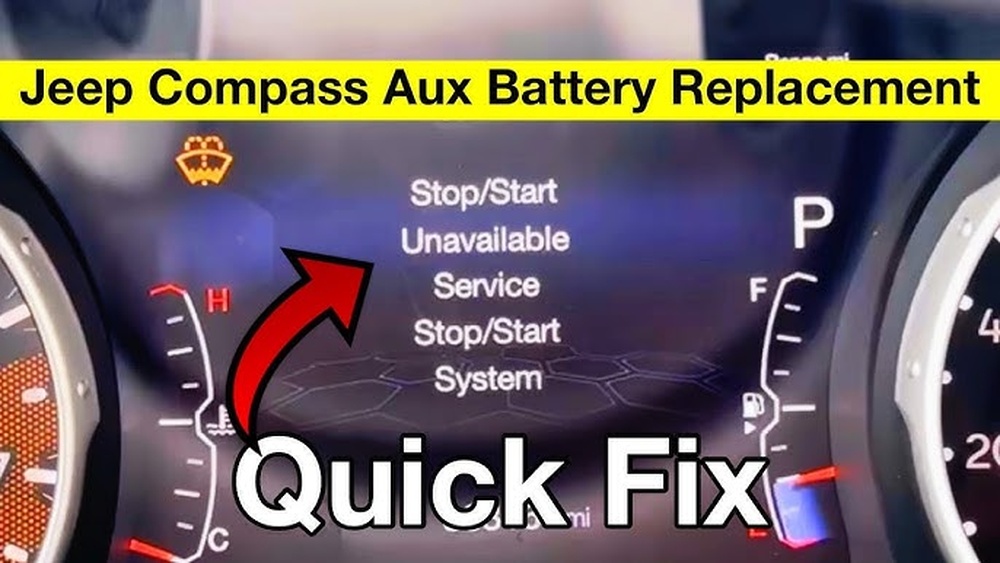
A battery disconnect is not a reliable repair or universal reset. It may erase settings or codes, but it does not fix the fault that caused a warning. It can also create new problems or require a relearn or service procedure. Use the owner’s manual or a qualified technician before disconnecting the battery.
If the reset does not work
Check the simple causes before trying another reset:
- Confirm the model year and system. Compass procedures can differ across years and Uconnect versions.
- Use the correct ignition state. Some steps require the ignition on with the engine off.
- Follow the timing exactly. A maintenance reset may fail if the pedals or buttons are used too slowly or in the wrong order.
- Check the actual issue. A tire-pressure warning needs correct pressure; a software reboot will not fix a low tire.
- Stop if the display or vehicle behaves oddly. Repeated resets are not a substitute for diagnosis.
For the most reliable steps, use the official Jeep owner’s manual for your exact model year and equipment. Jeep provides manuals through its owner support site. The printed manual supplied with the vehicle is also useful.
Frequently asked questions
Will disconnecting the battery reset a Jeep Compass?
It may interrupt power and clear some stored settings, but it is not a universal fix. It can also affect vehicle systems or erase diagnostic information. Check the owner’s manual or ask a qualified technician before disconnecting the battery.
How do I reset the Uconnect screen without deleting settings?
Use the soft-reboot procedure listed for your Compass model year and radio. A reboot is different from a factory reset, which can erase saved data or preferences.
Why is the oil-change message still on after an oil change?
The oil-life reminder may not have been reset, or the procedure used may not match your model year. Check the correct manual steps. If the message still returns, have the system checked.
Can I reset a TPMS warning from the dashboard?
Most Compass models update the warning after tire pressure is corrected and the vehicle is driven. The process varies, and not every model has a manual reset control. Use the owner’s manual for your year.
Will resetting Uconnect fix a check-engine light?
No. Uconnect controls the infotainment system, not the engine fault that triggers the check-engine light. Have the vehicle’s diagnostic codes read and address the cause.
Conclusion
Choose the reset based on the exact message or symptom. Reboot Uconnect for a screen issue, reset oil life only after service, and correct tire pressure before expecting the TPMS warning to clear. For warning lights or repeated failures, diagnose the cause instead of using a reset to hide it.